No library to import into
Point Exposé at a folder and work. The catalogue is a small file inside that folder, so the shoot and everything done to it move together, on any disk.
Develop where
the photos are.
A photo catalogue and RAW developer for the Mac. Your photos stay in the folders they are in, with the edits beside them. Masks and retouching run on your own machine, and nothing leaves it unless you ask.
Download for Mac
Version 2.1.2 · 82.1 MB · macOS 14+, Apple silicon
Signed and notarised by Apple. Drag it into Applications.
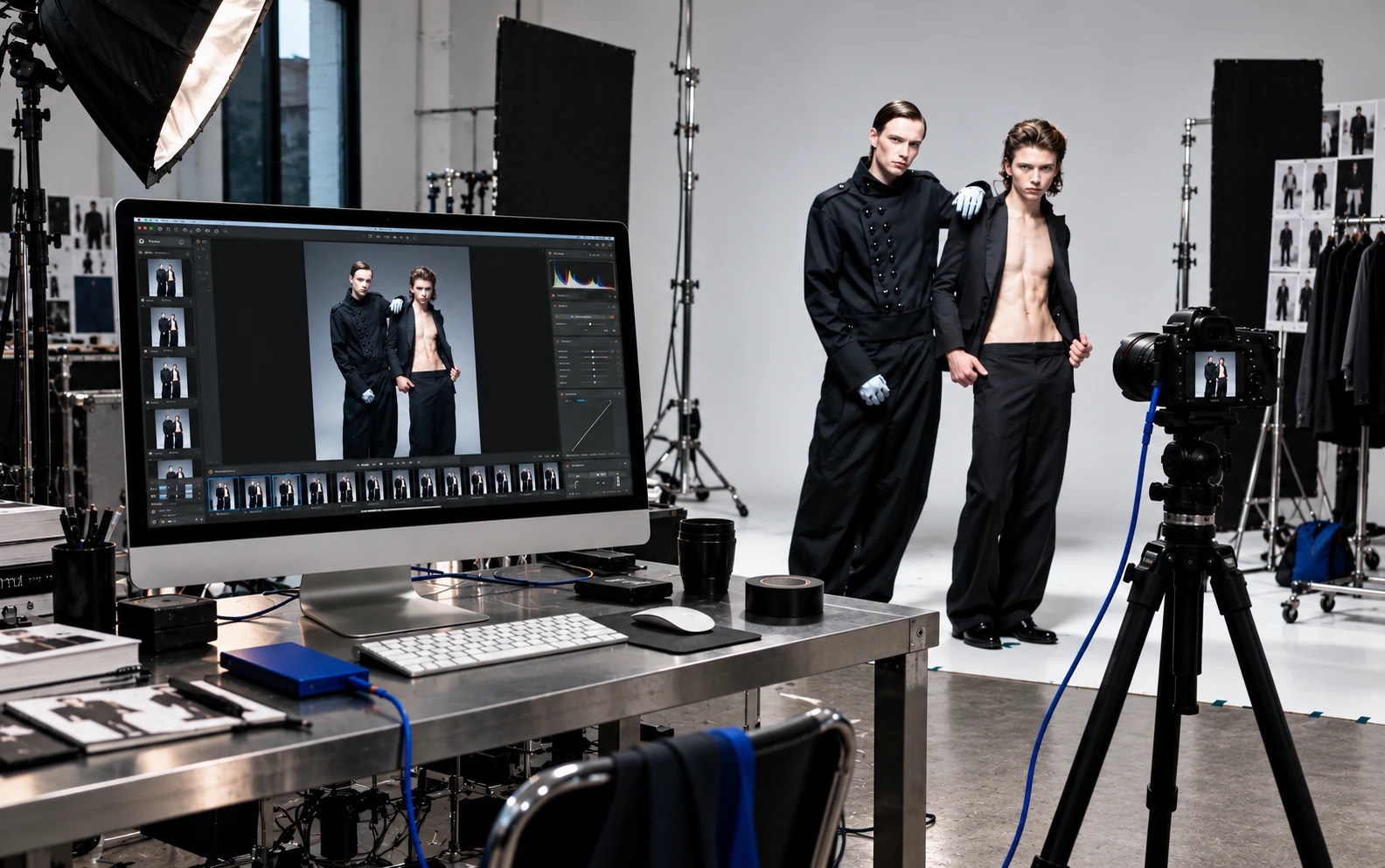
Your photos stay
in their folders.
What it does
Point Exposé at a folder and work. The catalogue is a small file inside that folder, so the shoot and everything done to it move together, on any disk.
A RAW file is developed from its sensor data through one pipeline, so what is on screen is what is exported. Nothing is ever written over the original.
Find the subject, the people, the background, or the one thing you click on. The models that do it run on your own machine, and a brush and an eraser finish the job.
Heal, patch and clone, paint, and dodge and burn on layers. Colour, contrast and grain are applied over all of it afterwards, so a repair is graded like the picture around it.
Replacing part of a picture is in beta and uses OpenAI on a key you supply. Only the area and what surrounds it is sent, only when you press the button, and the export is labelled as containing generated content.
Save any photo as a .expose file: the untouched original, every setting, and a preview the Finder can show. Open it on another Mac and carry on.
Nothing is sent anywhere
unless you press the button.
In detail
Exposure, contrast, highlights, shadows, whites and blacks. White balance with a pipette, vibrance and saturation. Point curves for RGB and for each channel, rendered exactly as drawn. Profiles for a starting look, black and white, and a colour space per photo: sRGB, Display P3, Adobe RGB or ProPhoto.
Clarity, texture and dehaze. A vignette with midpoint, roundness and feather. Film grain laid over the picture the way it is done by hand, sized against the photo, so a resized export looks like the screen did. Sharpening and noise reduction that start where a camera's own file would.
Subject, people, background, or an object you click on: a face, a jacket, a whole person. Draw an area, or brush one in and rub it back out. Gradients and a radial. Each mask carries its own exposure, contrast, colour, clarity and blur, with feather, a shifted edge and invert.
Heal picks its source nearby, or takes the one you give it. Patch an outlined area from wherever you drag it. Clone at any strength. The brush goes from a single pixel to wider than the photo, and one key shows the picture before and after.
Paint on named layers with a colour taken from the photo, soft or hard, with opacity and flow. Dodge and burn on layers of their own, limited to shadows, midtones or highlights if you like. What is under the brush is what you get.
Mark an area, say what should be there, and the area is replaced and matched to the tone and grain around it. It uses OpenAI on your own key, kept in the Mac's keychain. Exports of such a photo carry the standard label for generated content.
Stars, flags, colour labels, tags and collections. Two photos side by side to choose between near-identical frames. A history of every step on a photo, and every section of the edit can be switched off to see what it does.
JPEG, or TIFF and PNG at 16 bits, in the colour space you choose, resized or not, named by a template. An export never writes over a file that is already there. Or save the photo as a .expose file and keep the edit open.
Worth knowing first
A Mac with Apple silicon and macOS 14 or later. No account. RAW files are read by macOS itself, so a camera it knows is a camera Exposé knows.
Once a day at most, a request for one small public file that says which version is newest. With AI Replace, the area you marked and what surrounds it, to OpenAI, when you press the button. Nothing else.
Not a layout or vector program, and not a replacement for every corner of the ones you know. AI Replace is a beta: good for a glove or a stray object, soft on large areas, and the service may refuse a picture.
Version 2.1.2 · 82.1 MB · macOS 14+, Apple silicon
Made by Mike Pasarella, Melly Labs, Rotterdam